HarborKeep for iPhone and iPad

A private home for the records that matter.

Keep documents, notes, photos, important dates, emergency information, and saved logins organized in one encrypted life vault—without creating another account or sending readable vault data to us.

  • Encrypted before storage
  • Optional Apple-device sync
  • No ads or profiling
More than passwords

Built around real life, not a single kind of record.

HarborKeep gives everyday information a clear structure while letting you decide what belongs together, what needs quick access, and what should stay out of sight.

Records that fit the information

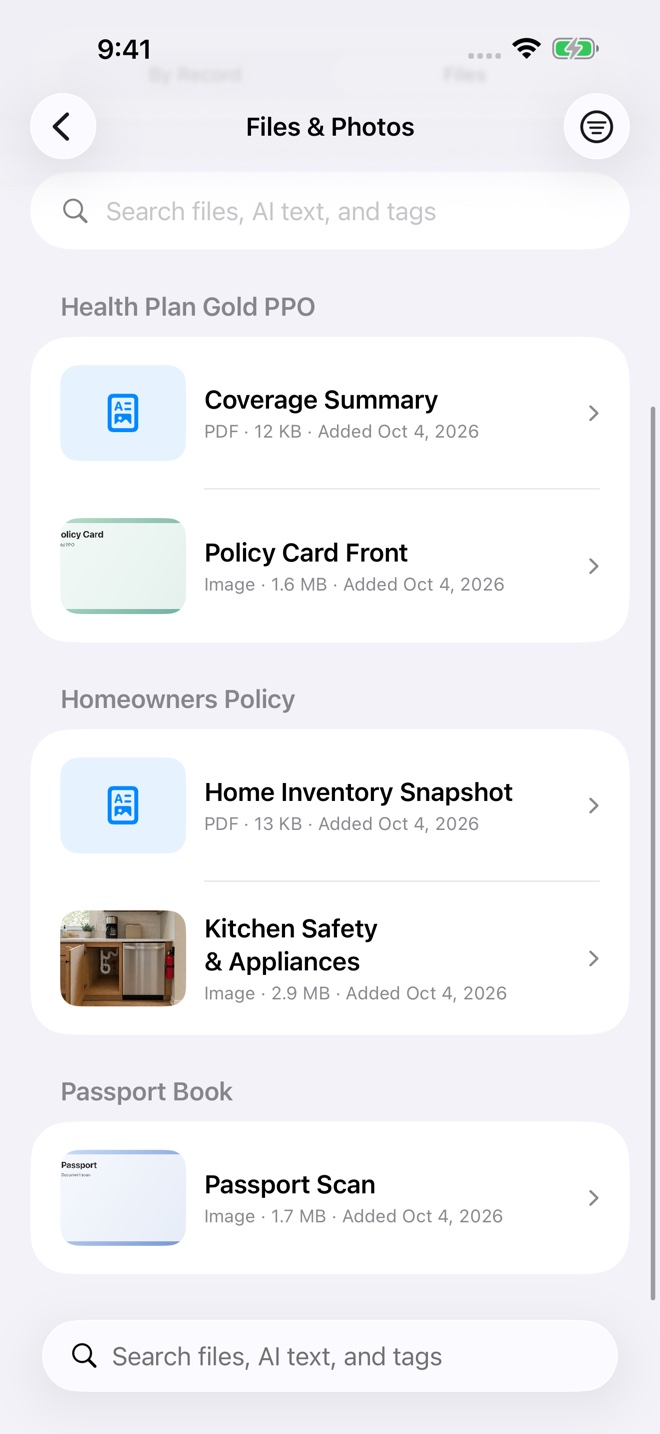
Starting Points shape a new record for logins, banking, insurance, medication, travel, identification, legal documents, secure notes, and more.

Notes, drawings, and files together

Add rich notes, sketches, photos, scans, and documents to the record where they make sense instead of scattering them across apps.

Emergency information on purpose

Curate an Emergency Dashboard across categories so the records you may need urgently are easier to find when time matters.

Connected and timely

Link Related Records and surface Important Dates without turning the library into a complicated project-management system.

Capture from other apps

Send a photo, file, link, or text through the iOS share sheet, then save it to Inbox, a new record, or an existing record.

Helpful analysis stays on device

Apple Vision, text recognition, and supported Apple Intelligence can suggest summaries, tags, categories, and dates without sending vault content to the developer.

Privacy by design

Your information stays under your control.

HarborKeep encrypts records, notes, drawings, and attachments before storage. When iCloud is enabled, CloudKit carries encrypted vault data and iCloud Keychain delivers the matching key to trusted devices using your Apple Account. Decryption happens locally after authentication.

256-bitsymmetric vault key
AES-GCMauthenticated encryption
On devicedecryption and content analysis
No accountseparate from your Apple Account
Simple when you need it

Records first. Overview when it helps.

HarborKeep opens to the straightforward Records list. Overview is there for Upcoming dates, Quick Access, category summaries, Vault Health, backup guidance, and the Emergency Dashboard—but only when those sections have something useful to show.

Built for Apple devices

Move between iPhone and iPad.

Optional iCloud synchronization keeps encrypted records available across trusted devices using the same Apple Account. Eligible website logins can also be offered through HarborKeep AutoFill after you enable it on each device.

Other apps

Small products with a clear purpose.

Independent Apple apps designed without advertising or attention traps.

Solar Compass Pro app icon
Solar planning

Solar Compass Pro

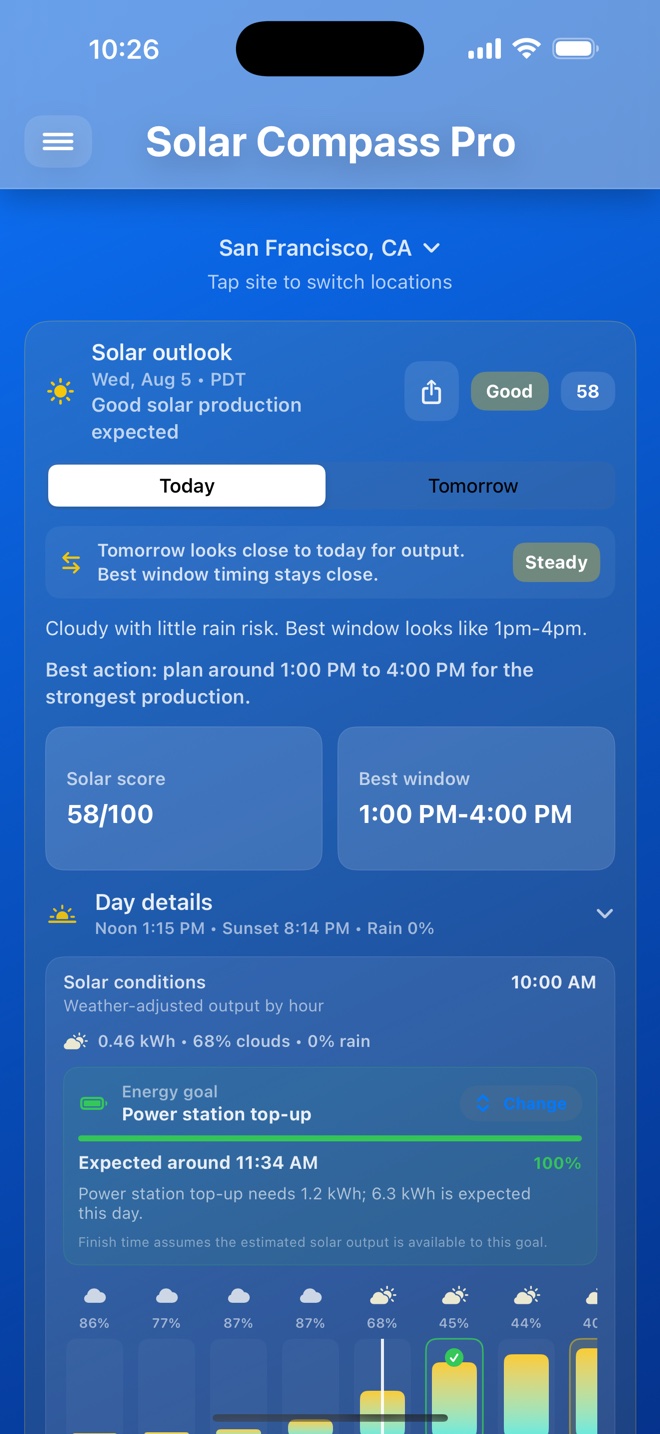
Plan around the sun with live direction and elevation, WeatherKit-backed outlooks, saved sites and panel setups, output estimates, and hands-on alignment guidance.

  • Today, Tomorrow, and optional 7-day solar planning
  • Panel direction, tilt, watts, photos, and energy goals
  • Install Mode with live heading and tilt guidance
Three In A Row app icon
Game

Three In A Row

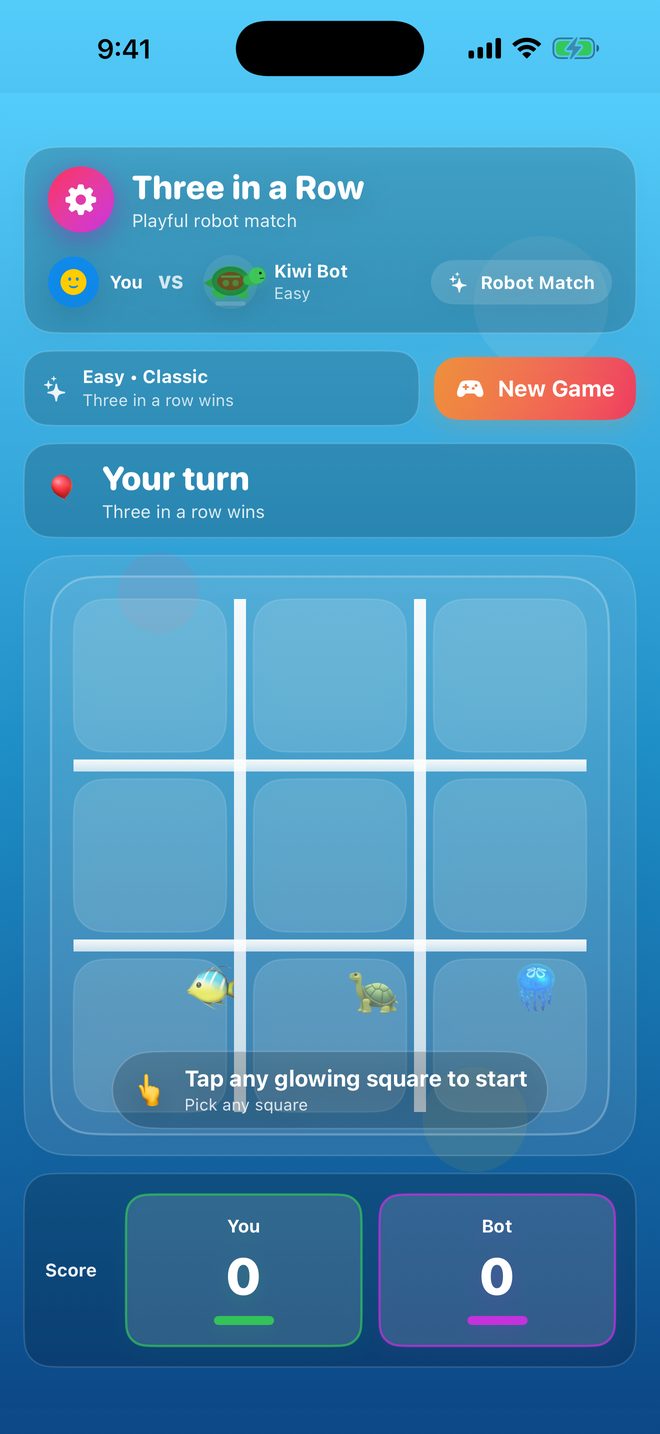
A lightweight, family-friendly take on Tic-Tac-Toe with offline play and no ads, subscriptions, or tracking.

C. Ray Carroll LLC logo
Independent development

Built with a long view of software.

Ray Carroll brings more than three decades of enterprise, cloud, security, automation, and product development experience to focused independent apps.

Contact Support