Find your strongest hours
Follow hourly clouds, rain chance, and solar potential or estimated kWh. Compare Today and Tomorrow and find the forecast’s best production window.
 Solar Compass ProFor iPhone and iPad
See when the sun and weather work in your favor. Compare today with tomorrow, estimate output for your panels, and plan around the energy you need.
Free daily planning · Optional one-time Supporter unlock
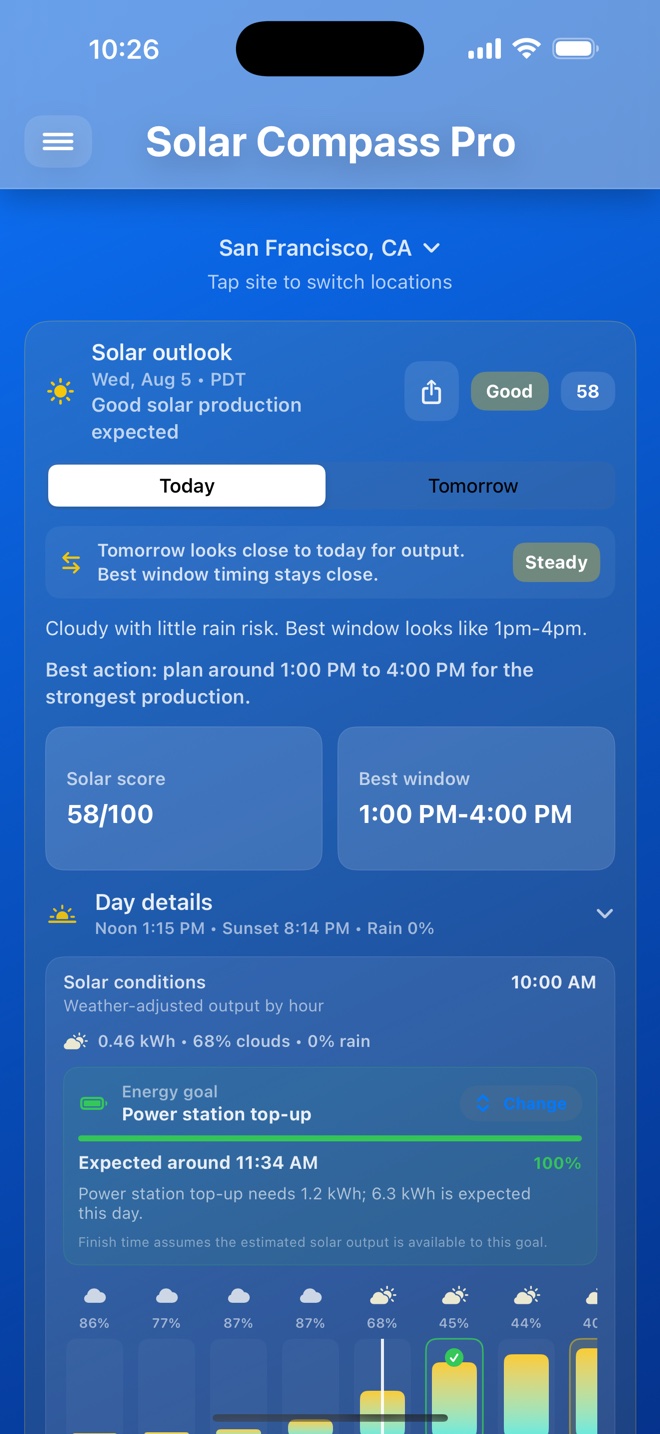
Follow hourly clouds, rain chance, and solar potential or estimated kWh. Compare Today and Tomorrow and find the forecast’s best production window.
Save your panel watts and an energy goal to see forecast coverage, an estimated finish time, or a shortfall. Compare setups for your roof, RV, or portable kit.
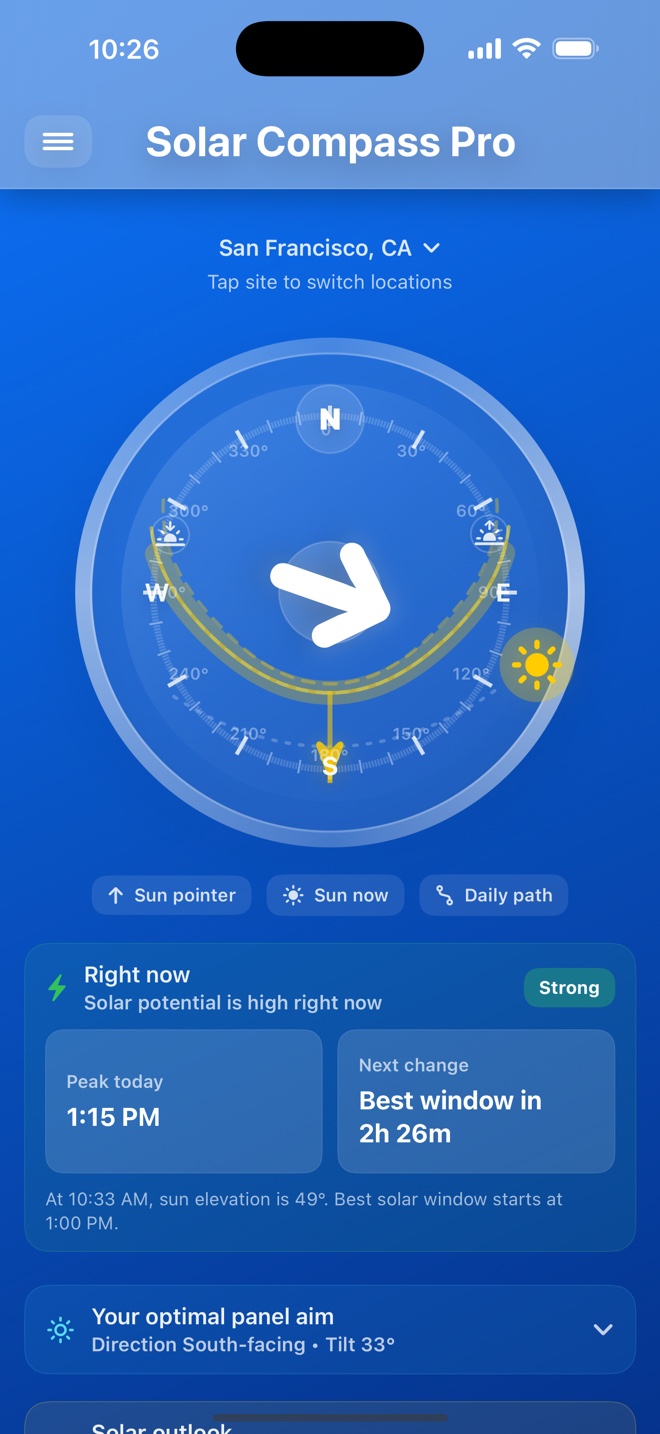
See the sun’s position on the live compass. Use Panel Aim and Install Mode for direction and tilt guidance at your selected site.
Output and goal finish times are planning estimates, not measured production or guarantees. Actual results depend on weather, shade, equipment, and your saved assumptions. Goal timing assumes the estimated output is available to that goal.
Save sites and multiple panel setups with direction, tilt, watts, loss assumptions, notes, and local photos. Switch between them to compare estimated output and review guidance for the setup you are actually planning.
Sun positions and output estimates are calculated on your device. Forecasts use Apple Weather; weather and place-name requests send location information to Apple. No developer account is needed.
A one-time in-app purchase adds: